
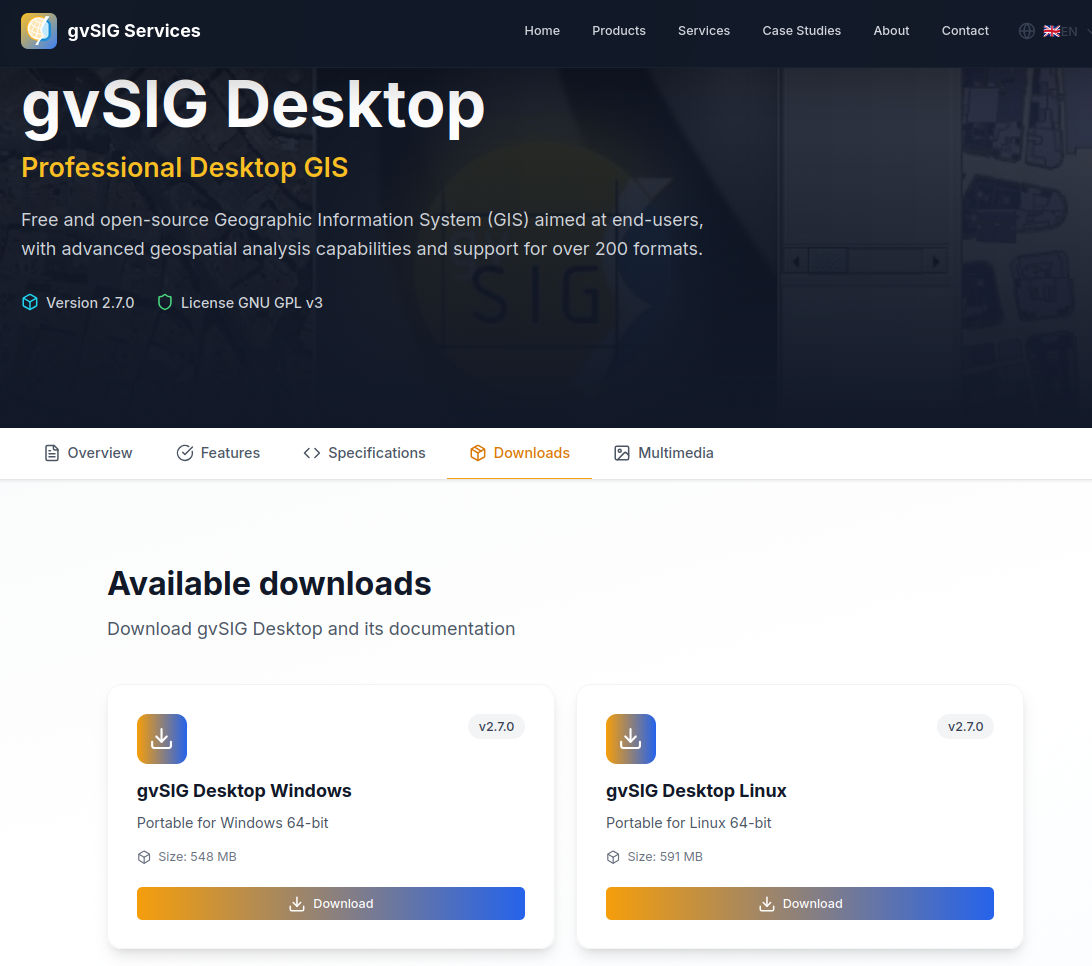
With gvSIG Desktop 2.7, we continue moving forward along the path started in previous versions—a path clearly focused on integration with gvSIG Online and on the evolution of gvSIG Desktop as an advanced GIS editor, fully integrated into modern Spatial Data Infrastructure (SDI) architectures.
In this context, gvSIG Desktop consolidates its role as the desktop tool for editing, analysis, and quality control of geospatial information, naturally complementing gvSIG Online as a platform for data publication, management, and dissemination. This combination is designed to support real-world workflows in public administrations, corporate projects, and collaborative environments.
This new release introduces new functionalities, significant improvements to key tools, and an extensive set of bug fixes, the result of the continuous work of the gvSIG Association, which coordinates and sustains the gvSIG project, driving its evolution through an open, collaborative model aligned with the real needs of users.
Main highlights
Among the most notable new features in gvSIG Desktop 2.7 are:
- A new Coordinate Calculator, allowing easy and accurate transformation of coordinates between different reference systems.
- New field calculator, which allows multiple fields to be filled at once and significantly improves performance when working with tables containing a large number of records.
- A new layout frame creation tool, simplifying cartographic composition.
- The Swipe tool, which enables visual comparison of the same geographic area using layers from different dates, sources, or symbologies.
- A new Download Manager, supporting different authentication mechanisms through plugins. By default, it includes HTTP basic authentication and OpenID Connect (OIDC) via Keycloak.
- Integration of the new download manager into OGC services such as WMS, WMTS, WFS, CSW, and Gazetteer, enabling access to secured services.
- Advanced expression-based symbology, allowing different legends to be defined for the same layer based on feature values, not only on scale.
- A new PointByAzimuthAndDistance formula in the expression evaluator, enabling point creation during vector editing based on bearing and distance.
- Improved support for loading large JSON files.
Improvements to existing functionalities
This release places special emphasis on productivity, stability, and user experience:
User interface and experience
- Optimized application startup and shutdown.
- Introduction of user-specific bookmarks.
- Ability to undock the Attribute Editor, improving vector editing in multi-monitor environments.
- Improvements in feature selection and form management.
Data management and formats
- Improved character encoding detection for SHP/DBF files.
- Fixes and enhancements when loading formats such as KML, CSV, GML, GeoPackage, and Excel.
- Improved database connection management.
Vector editing and geometries
- New tools and enhancements for clipping, splitting, and geometry management.
- Improved support for GeoJSON.
- Increased robustness against topological errors.
Layout and map composition
- Standardization of element insertion tools.
- Improvements in alignment, scaling, and map template management.
- Fixes that enhance stability in complex map compositions.
Web services
- Adaptation of WMS, WMTS, and WFS services to the new download manager.
- Improved usability of connection dialogs.
- Restoration and modernization of support for CSW and Gazetteer services.
VCSGis (version control)
- Improvements to VCSGis, the version control system for gvSIG Desktop, strengthening collaborative work on geospatial data.
- New filtering options and change confirmation mechanisms.
- Greater control and security in data rollback and synchronization processes.
Bug fixes and stability
gvSIG Desktop 2.7 includes a wide range of fixes that significantly improve overall system stability, particularly in:
- Vector editing and topology.
- Symbology and labeling.
- Databases (including Oracle and traditional formats).
- OGC web services.
- Opening and recovering complex projects.
These improvements make gvSIG Desktop even more reliable for production and intensive-use environments.
Download
The new version can now be downloaded from the official website:
👉 https://www.gvsig-services.com/productos/gvsig-desktop
As always, gvSIG Desktop is free and open-source software, cross-platform, and designed to support technicians, public administrations, and organizations in their geospatial challenges.
In upcoming posts, we will take a closer look at some of the most relevant improvements and new features in this release, focusing on those that bring the greatest value to real-world workflows.
We keep moving forward 🚀


 Alvaro
 Amparo Cisneros
 adelrey
 Alegria
 asoredesocial2006
 Augusta
 christinesig
 cordin
 csanper
 danielvicb
 dispiste
 edmarmoretti
 elenasanchez232
 eliazerk
 fjsolis
 Gabi
Gabi ggowtham
 Giuliano Ramat
 Valenty
 Georg Sedlmeir
 hydrologiclady
 jgalans
 Joaquin del Cerro
 Juan Lucas Domínguez Rubio
 jolicar
 josebadia
 Jorge Piera Llodrá
 Jordi Torres
 Chevi
Chevi learozz
 leoruizb
 Alonso Morilla
 Lluís Marqués
 martapacoret
 Óscar Martínez
 mateoboudon
 Mario
Mario Mario Chaveli
 mjlobato76
 Manuel
 mmontesinos
 moovida
 Nacho Varela
 nbrodin
 André
André piotrpachol
 psanxiao
 Sergio Acosta y Lara
 Spatioblog
 Sergio Acosta y Lara
 uliwerz
 Victor Acevedo
 Viqui
Viqui volaya

 gvSIG blog