
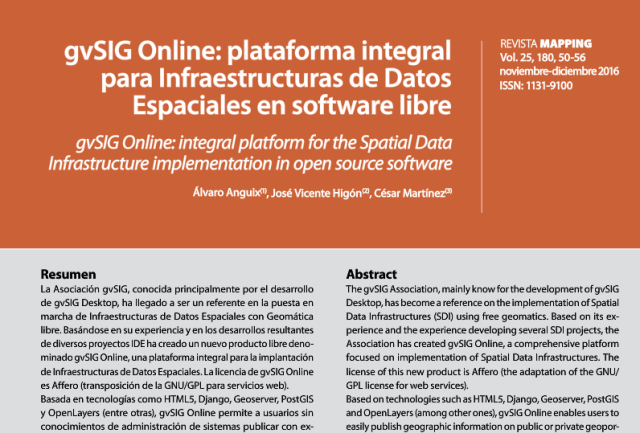
La revista Mapping, una de las publicaciones técnico-científicas más reconocidas en materia de Geomática y Ciencias de la Tierra, dedica su número 180 a las pasadas Jornadas Ibéricas de Infraestructuras de Datos Espaciales (JIIDE), incluyendo entre su selección de ponencias presentadas un artículo de gvSIG Online, la plataforma en software libre para IDE, una parte fundamental de la suite de soluciones de gvSIG.
Podéis acceder a su lectura en el siguiente enlace:
Cada vez son más las entidades que están adoptando gvSIG Online. Si tú también estás interesado puedes contactarnos en info@gvsig.com Libertad y profesionalidad para poner en marcha tú Infraestructura de Datos Espaciales y SIG Corporativo.



 Alvaro
 Amparo Cisneros
 adelrey
 Alegria
 asoredesocial2006
 Augusta
 christinesig
 cordin
 csanper
 danielvicb
 dispiste
 edmarmoretti
 elenasanchez232
 eliazerk
 fjsolis
 Gabi
Gabi ggowtham
 Giuliano Ramat
 Valenty
 Georg Sedlmeir
 hydrologiclady
 jgalans
 Joaquin del Cerro
 Juan Lucas Domínguez Rubio
 jolicar
 josebadia
 Jorge Piera Llodrá
 Jordi Torres
 Chevi
Chevi learozz
 leoruizb
 Alonso Morilla
 Lluís Marqués
 martapacoret
 Óscar Martínez
 mateoboudon
 mateocb16000
 Mario
Mario Mario Chaveli
 mjlobato76
 Manuel
 mmontesinos
 moovida
 Nacho Varela
 nbrodin
 André
André piotrpachol
 psanxiao
 Sergio Acosta y Lara
 Spatioblog
 Sergio Acosta y Lara
 uliwerz
 Victor Acevedo
 Viqui
Viqui volaya


